
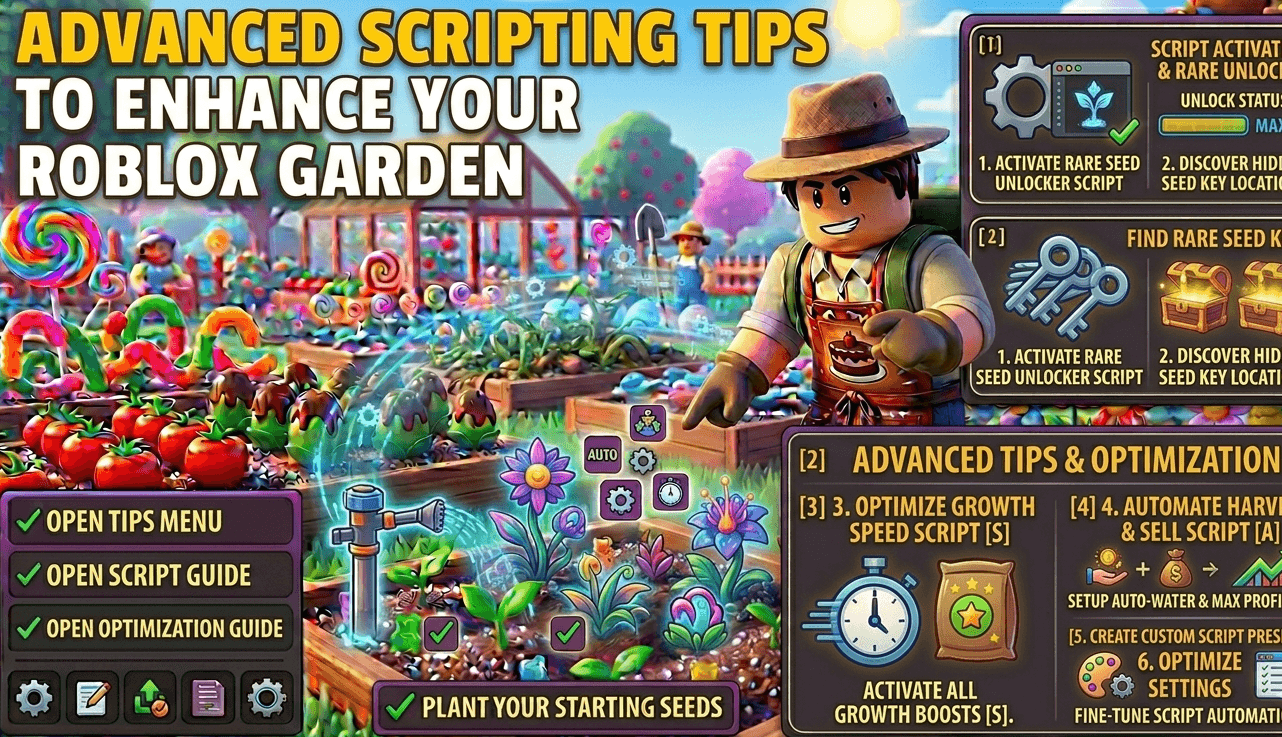
Advanced Scripting Tips to Enhance Your Roblox Garden
Advanced scripting in Grow a Garden involves more than just “Auto-Farm.” It focuses on optimization, packet safety, and logic-based farming. By using advanced features like Remote Event Hooking or Memory Optimization, players can run scripts for days without lagging or being flagged by the server. This article dives into the technical side of enhancing your virtual garden using the latest 2026 script features.
Advanced Scripting Tips to Enhance Your Roblox Garden
1. Master Remote Event Optimization
Every time your script “Auto-Sells” or “Auto-Plants,” it sends a signal to the Roblox server called a Remote Event.
- The Advanced Tip: Don’t spam these events. If your script sends too many requests in one second, the server will “Rate Limit” you, causing your game to freeze.
- The Fix: Set a custom “Wait” time or a “Yield” in your script GUI. A delay of $0.1$ to $0.2$ seconds between actions is the “sweet spot” for 2026 executors to stay fast but undetected.
2. Implement “Log-Based” Mutation Tracking
Standard scripts just harvest everything. Advanced players use Log-Based Tracking to see which plots have the highest mutation rates.
- How it works: Some 2026 scripts, like Garden Horizons, include a “Mutation Log.”
- The Strategy: Use this data to see if certain fertilizers or weather patterns (like the Smithing Event) are actually helping. If a plot hasn’t produced a mutation in 10 cycles, the script can automatically “re-roll” the seed type to reset the luck counter.
3. Use “Fast Mode” via Memory Optimization
Running a garden with 100+ moving plants can eat up your device’s RAM. To enhance your garden, you need to optimize how the script renders the game.
- Advanced Feature: Enable “White Screen” or “CPU Optimizer” mode.
- The Result: This stops the game from rendering high-quality 3D models while you are AFK. It allows the script to focus 100% of your device’s power on the farming logic, leading to 0% crash rates during long sessions.
4. Custom GUI Keybinds for Rapid Control
In a fast-moving game like Grow a Garden, clicking through menus is too slow.
- The Pro Tip: Set up Keybinds (on PC) or Floating Hotkeys (on Android) for specific script functions.
- The Setup: Map the
Xkey to “Instant Sell” and theCkey to “Toggle ESP.” This allows you to quickly switch between “AFK Mode” and “Manual Pro Hunting” when you see a Diamond Seed spawn.
Also Check: Grow a Garden Latest Updates
Frequently Asked Questions (FAQs)
What is the best delay for Auto-Harvesting?
For the most stable performance in 2026, we recommend a delay of 0.15 seconds. This is fast enough to clear a massive garden but slow enough to avoid triggering the Roblox server’s anti-spam filters.
Does “White Screen” mode stop the script from working?
No! White Screen mode only stops the visuals on your screen. The script is still running perfectly in the background. This is the best way to save battery on Android executors like Delta while farming overnight.
How do I use the “Remote Hook” feature safely?
Remote Hooking should only be used by experienced scripters. It allows you to intercept game data, but if used incorrectly, it can lead to a ban. Stick to the pre-built “No Key” GUIs unless you are comfortable writing your own Luau code.
