
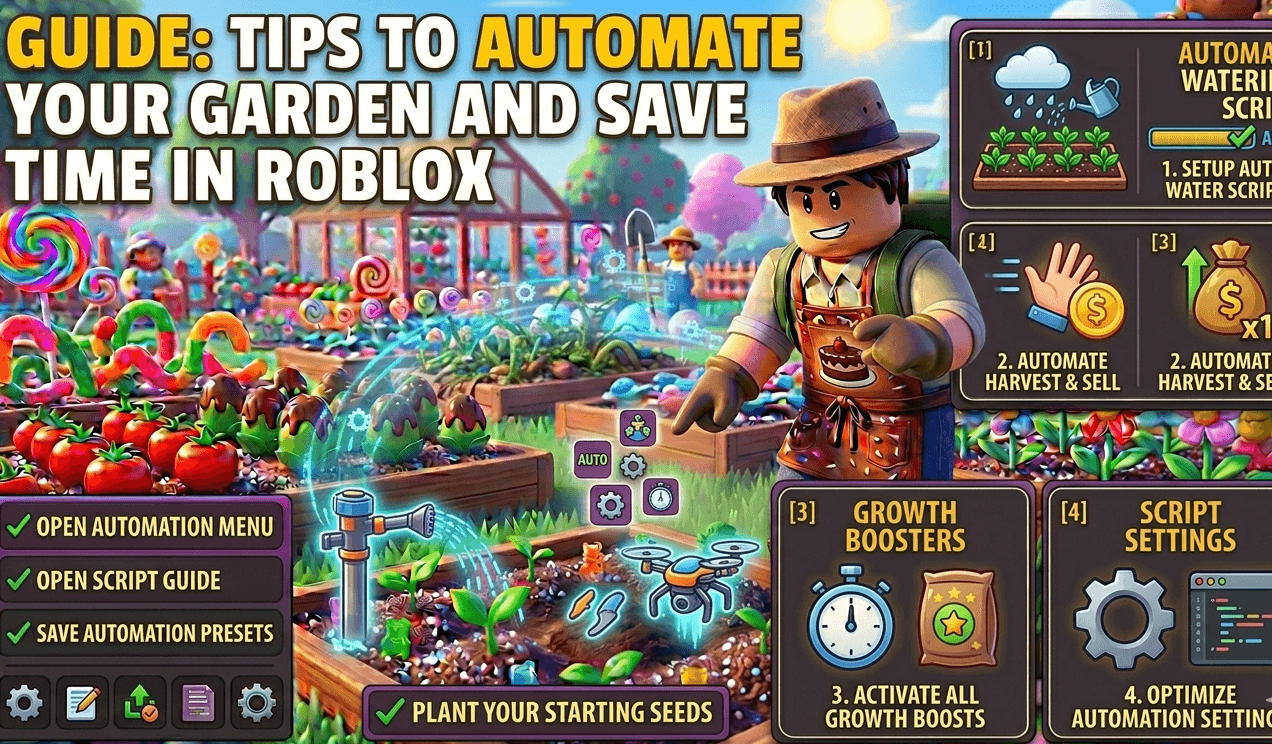
Tips to Automate Your Garden and Save Time in Roblox
To maximize your efficiency in Roblox Grow a Garden, you need to set up a “Zero-Touch” workflow. By using the right features in your Roblox script, you can fully automate the planting, watering, and selling process to save time and grow your wealth while AFK.
Automate Your Garden and Save Time in Roblox
1. Set Up the “Auto-Buy” Filter
One of the biggest time-wasters is running out of seeds. Instead of visiting the shop manually, use the Auto-Buy feature in your script.
- How to use it: Select specific high-value seeds (like Blueberries or Mangos) in your script menu.
- The Benefit: The script will automatically buy more seeds the moment you run out, ensuring your garden plots are never empty.
2. Use “Server Hopping” for Rare Weather
Rain and Thunderstorms are the ultimate time-savers because they make plants grow significantly faster.
- The Tip: Use a script with Server Hop on Weather.
- The Benefit: Instead of waiting for rain in your current server, the script will automatically move you to a new Roblox server where it is already raining, giving you a permanent growth speed boost.
3. Enable “Walkspeed” and “Teleport to Merchant”
If your script doesn’t have “Instant Sell,” walking across a large farm can be slow.
- Automation Hack: Increase your Walkspeed to 50 or 100 in the executor settings.
- The Benefit: Your character will zip between plots and the merchant in seconds, drastically increasing your Coins Per Hour.
4. Optimize with “FPS Booster”
Running a heavy Roblox script with hundreds of plants can make your device lag or crash.
- The Fix: Enable FPS Booster or Remove Other Gardens in your GUI settings.
- The Benefit: This hides other players’ farms and lowers background graphics, allowing your script to run smoothly for 24+ hours without crashing your Android device or PC.
5. Multi-Harvest “Set and Forget”
The ultimate automation tip is choosing the right plants for AFK farming.
- The Strategy: Fill 100% of your plots with Multi-Harvest seeds.
- Why it saves time: Because these plants don’t disappear after harvest, your script only has to worry about Auto-Watering and Auto-Harvesting. This removes the “Planting” step entirely, making your automation loop much faster and less likely to glitch.
Also Check: Top Roblox Scripts Similar to Grow a Garden
