
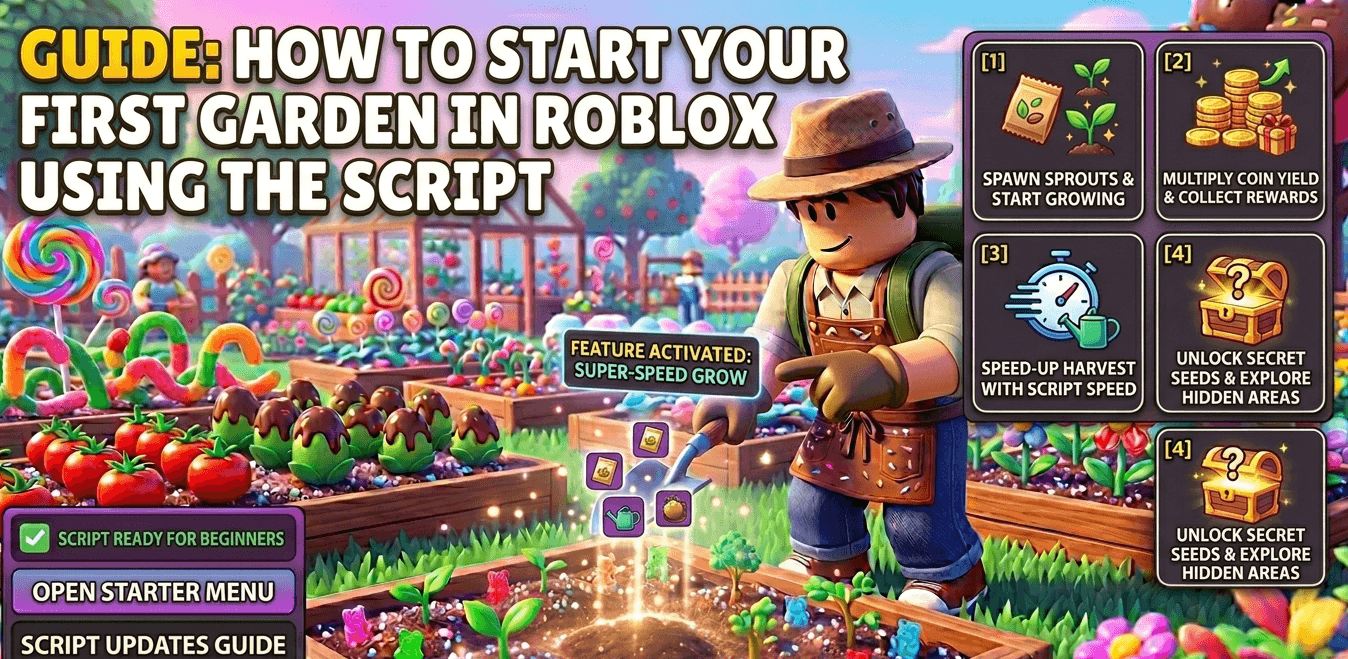
How to Start Your First Garden in Roblox Using the Script
1. The Initial Setup (Manual Start)
Even with a script, you need to complete the very first in-game step to “unlock” your garden plots.
- Buy Your First Seeds: Go to Sam’s Shop and spend your starting 20 Sheckles on Carrot Seeds.
- Plant Manually Once: Equip the seeds and click on a brown plot. This “primes” your garden so the script can recognize your farm area.
2. Activate the “Auto-Plant” Feature
Once your first carrots are in the ground, open your script executor and toggle the Auto-Plant feature.
- Why it helps: Instead of clicking every single plot, the script will instantly fill every empty space in your garden with seeds from your inventory.
- Pro Tip: Start with Carrots to make quick cash, then switch to Strawberry Seeds for multi-harvest profits.
3. Enable “Auto-Water” and “Auto-Harvest”
To keep your garden growing without you touching the screen, enable these two features in your Script GUI:
- Auto-Water: Keeps the soil moist, which is essential for fast growth.
- Auto-Harvest: As soon as a plant is fully grown, the script picks it. This ensures your plots are never sitting idle.
4. Setting Up “Auto-Sell”
Your inventory will fill up fast! Turn on Auto-Sell to have the script automatically visit the “Sell Stuff” stand. This creates a continuous loop: Plant → Grow → Harvest → Sell → Profit.
5. Watch for Mutations
The 2026 version of Grow a Garden features Environmental Mutations. Use a script with Mutation Detection or Fruit ESP. This will highlight rare, mutated crops (like Golden or Silver variants) that sell for 5x to 50x the normal price.
Also Check: Grow a Garden Script Features
